

Creating a personalized website tailored to your business or personal brand can be straightforward with low-code programs. Platforms like Wix and WordPress make it easy for users to launch a professional site without heavy coding. In this WordPress vs Wix comparison, I am going to create websites on both platforms to decide which program I prefer to use. On these websites, I will include work that I have done throughout my marketing classes.
WIX
Opening up WIX, it took me a while to figure out where I could even edit the site. After that, the rest was fairly easy to figure out. The first thing I did was pick out a color theme for my site. Wix made the options easy to understand and pick out your own colors, but also had the option to pick from different themes as well. This site includes an about me page, my resume, and the marketing projects that I have been a part of. I also included my headshot, which took some time to figure out because it was a little harder to navigate the settings to get it to look how I wanted it to look.
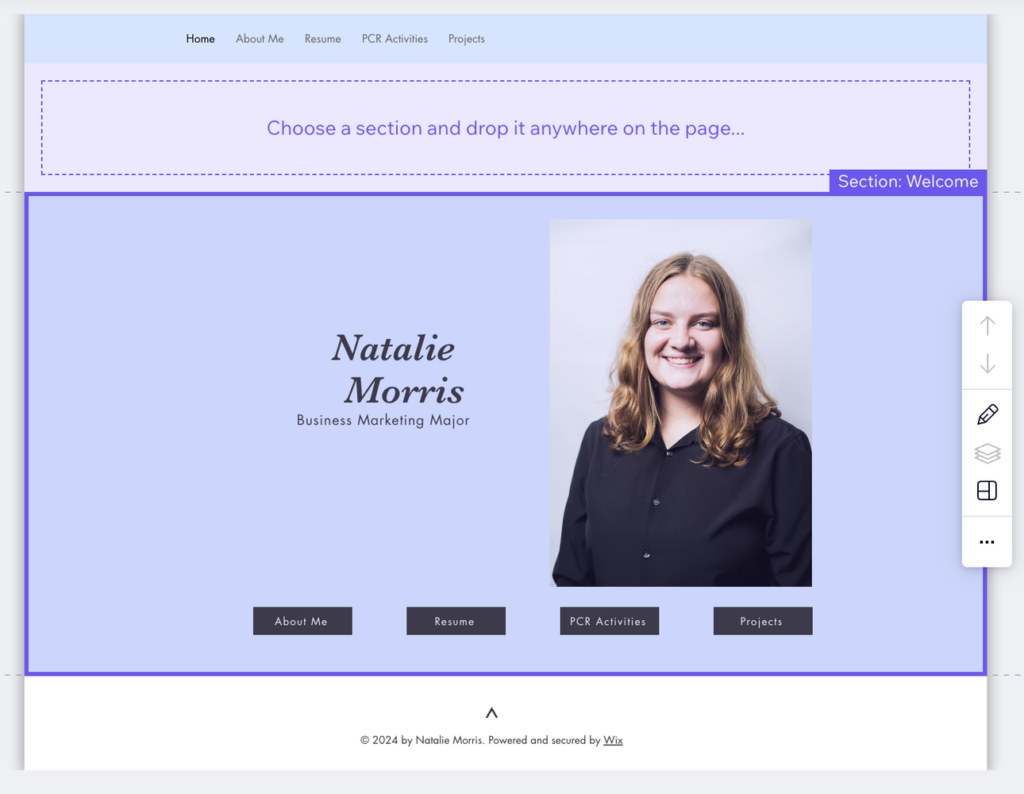
Creating the page for my marketing projects took a bit of time, as it took me a while to figure out how to do the sections in a way that made sense. Moving the sections around was finicky and hard to use easily with little to no problems.
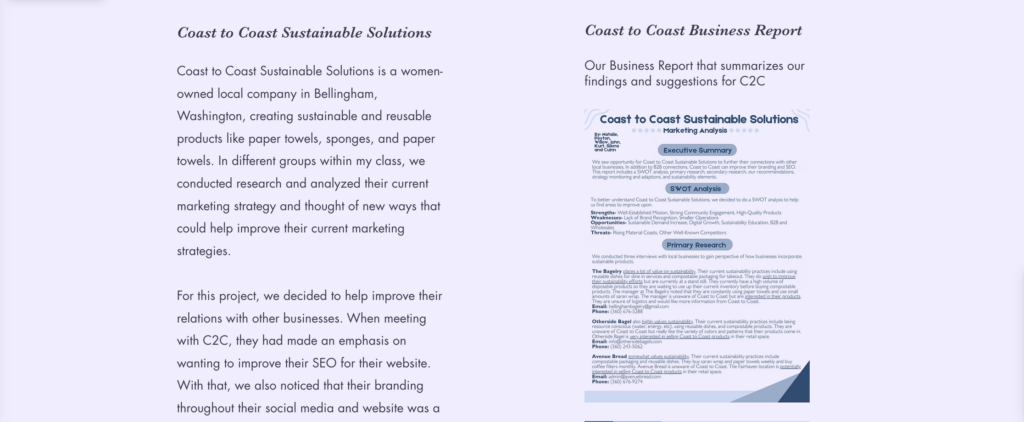
Overall, WIX wasn’t too hard to use, but felt laggy or slow at times in comparison to the normal speed of using websites. If you needed to build a website that looks simple yet interesting, WIX can help with that.
WordPress
WordPress was difficult to navigate and determine what I could even do to the site. It is more bare boned, with more options to use coding to create your website. With very little coding knowledge, I felt like I couldn’t do much to the site. The main link to my site on WordPress takes you to a blog, in which I have no idea how to change or edit, because it is not included on my pages that I have created.
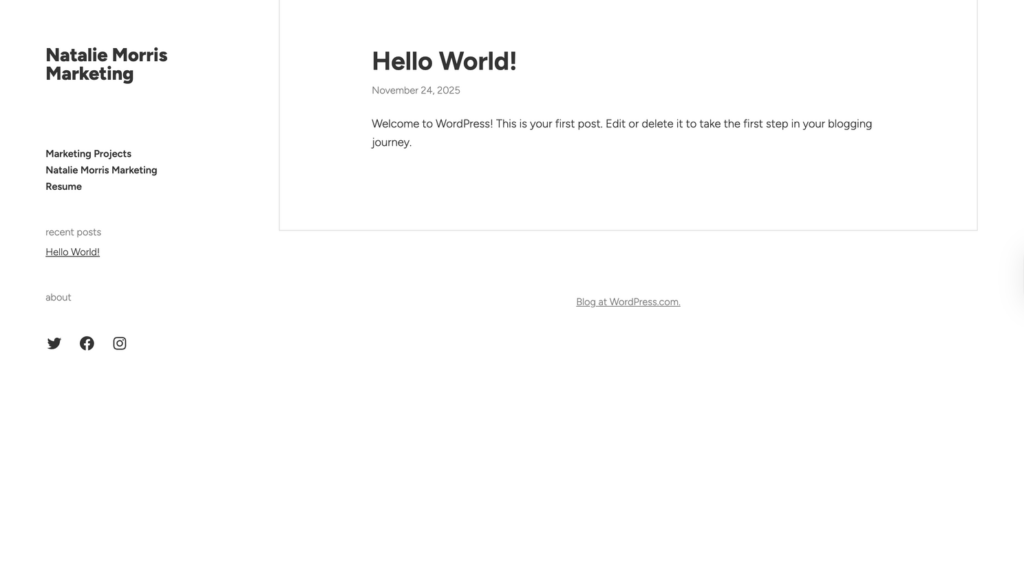
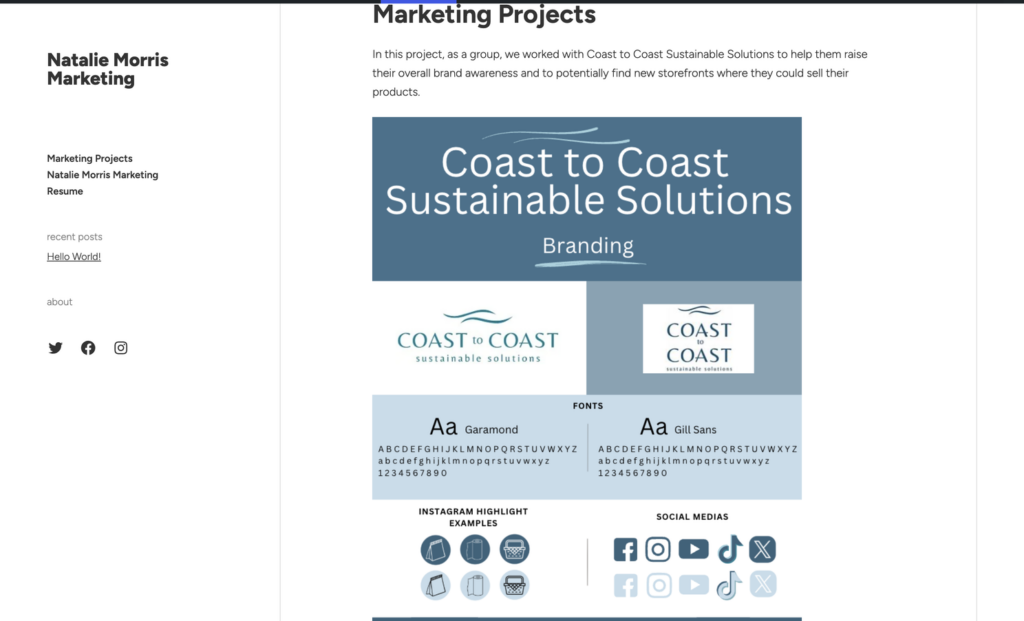
Adding in images and text wasn’t too bad, but with just using the basics, it is hard to resize images or projects into the site. Images just take up a lot of the space and makes the site space funky to work with. For my screenshots, I didn’t change the color of the site, but I played around with it afterwards, and it was fairly easy to change the colors of the preset theme.
What are the Differences Between the Two?
The biggest difference that I had noticed between the two was the difference in coding knowledge you may need to create your website. For WordPress, I felt that I needed to be watching a video on how to build a site using their program to be able to build it efficiently. WIX was a bit more straightforward, with its program being a bit easier to navigate in general. Depending on your knowledge and how you like to complete projects, WordPress and WIX are both great options to help you with building a website.
How SB Code Lab Helps Businesses Win in an AI-Mandatory World
At SB Code Lab, we help businesses turn this transformation into real-world results. From AI-powered website development, smart automation workflows, custom web applications, WordPress, WIX, Squarespace, to accessibility-first digital experiences, we ensure your business is not just using AI—but leveraging it strategically for measurable growth.
If you’re preparing your organization for the AI-first future, SB Code Lab is your technology partner for scalable, secure, and intelligent digital solutions.